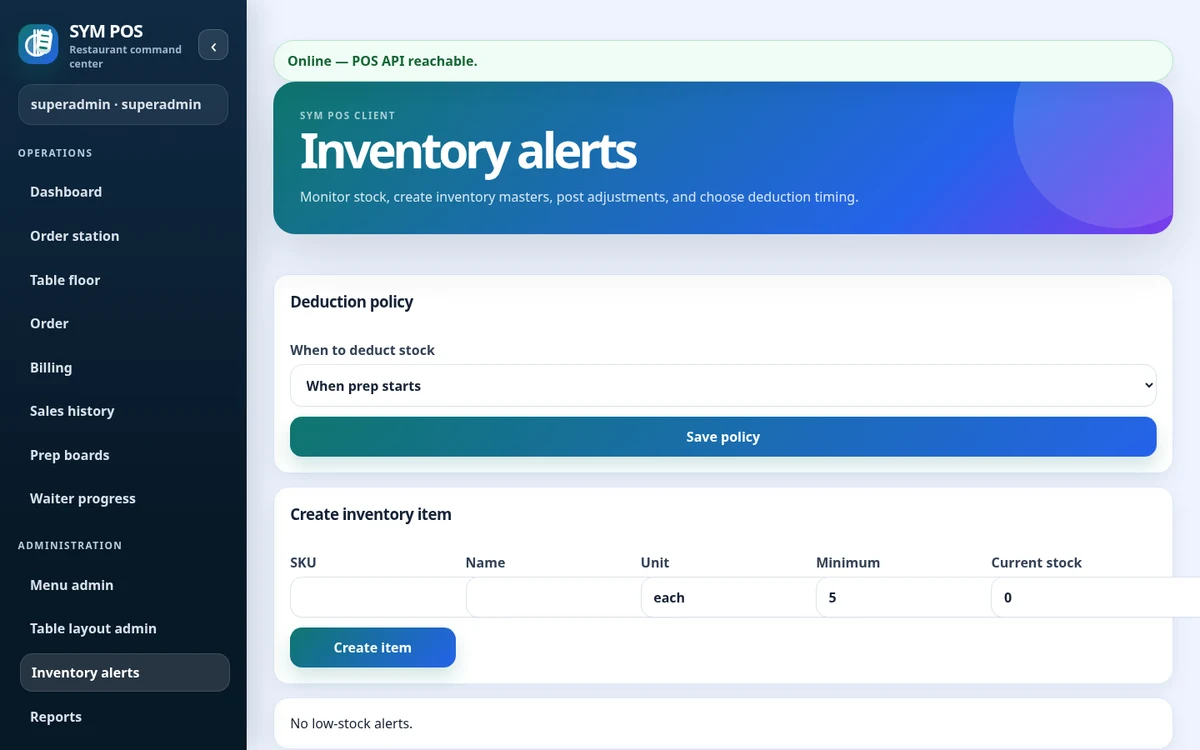
Maintain inventory items and review recorded stock movements. Authorized users can make adjustments, giving stock changes an operational record instead of a separate handwritten note.
Use inventory units that make sense for your restaurant. Stock movements and balances are most useful when quantities use consistent units and staff record the reason for an adjustment.
Inventory records and item units
Stock movement history
Permission-gated adjustment workflows
SYM POS · Product preview
Actual SYM POS screen · Sample evaluation dataOpen full-size
02 — INVENTORY CONTROL
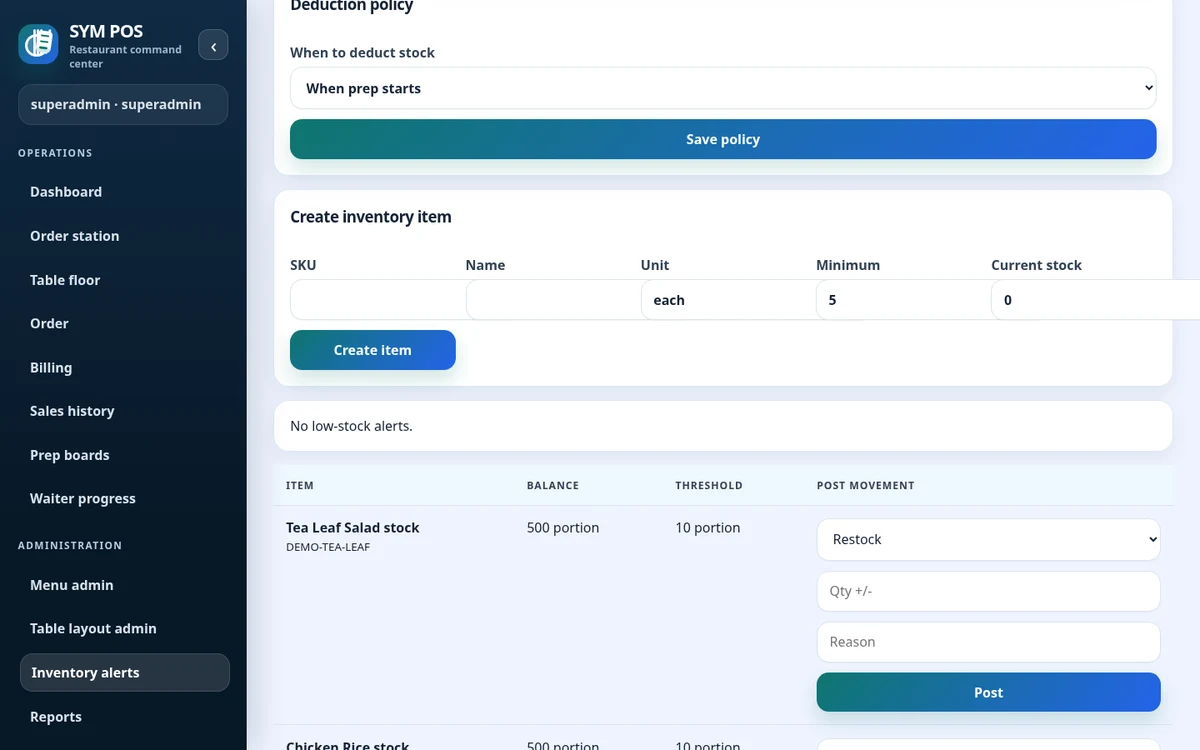
Low-stock visibility
Configure inventory thresholds and review low-stock alerts. Use them as a prompt to investigate and replenish; automatic purchasing and supplier management are not advertised.
A threshold is an operational prompt, not a purchasing order. Review low-stock items against current service needs and physical stock, then record replenishment or correction through the supported movement workflow.
Configured minimum thresholds
Low-stock visibility for authorized staff
Review exceptions before making adjustments
SYM POS · Product preview
Actual SYM POS screen · Sample evaluation dataOpen full-size
03 — INVENTORY CONTROL
Optional menu-to-inventory links
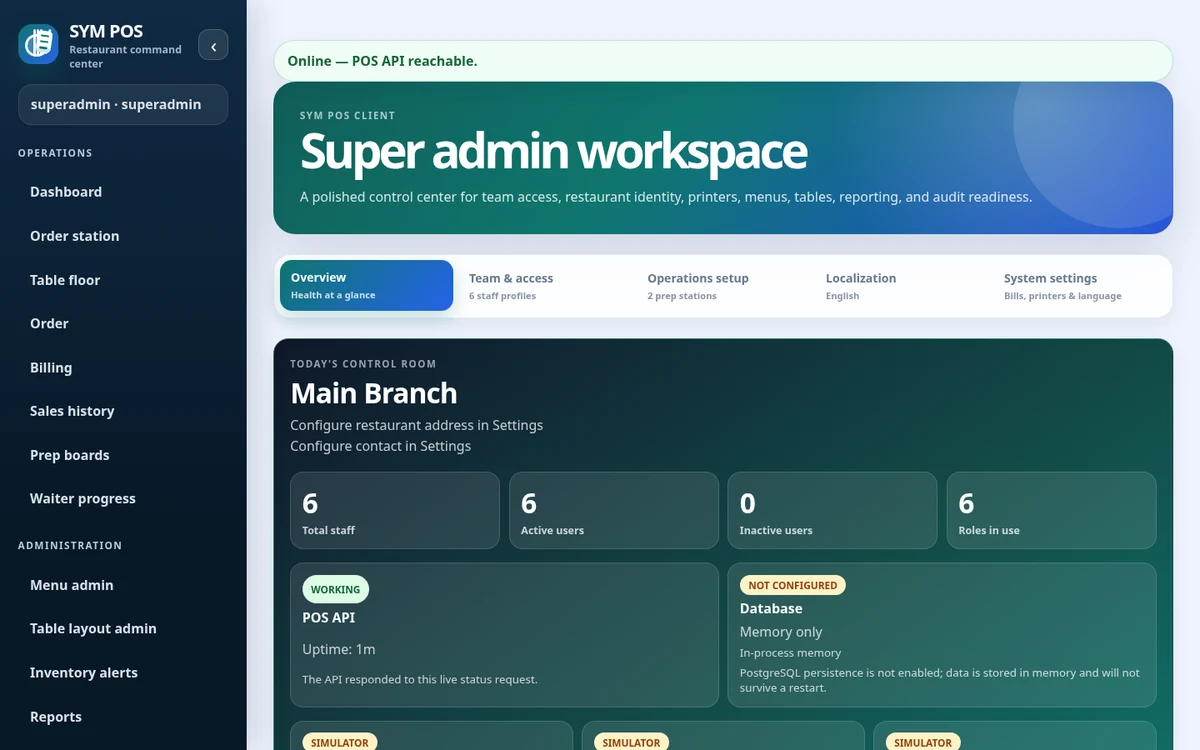
Configured recipe links associate menu items with inventory usage. Enable and test deduction settings for your restaurant’s menu and units rather than assuming every menu item reduces stock automatically.
Recipe links require deliberate configuration. Map the inventory item, quantity per menu unit and deduction policy, then test a sample order to confirm the expected stock change.
Optional menu-to-inventory linking
Configured quantity per menu unit
Deduction policy reviewed before real service
SYM POS · Product preview
Actual SYM POS screen · Sample evaluation dataOpen full-size
04 — INVENTORY CONTROL
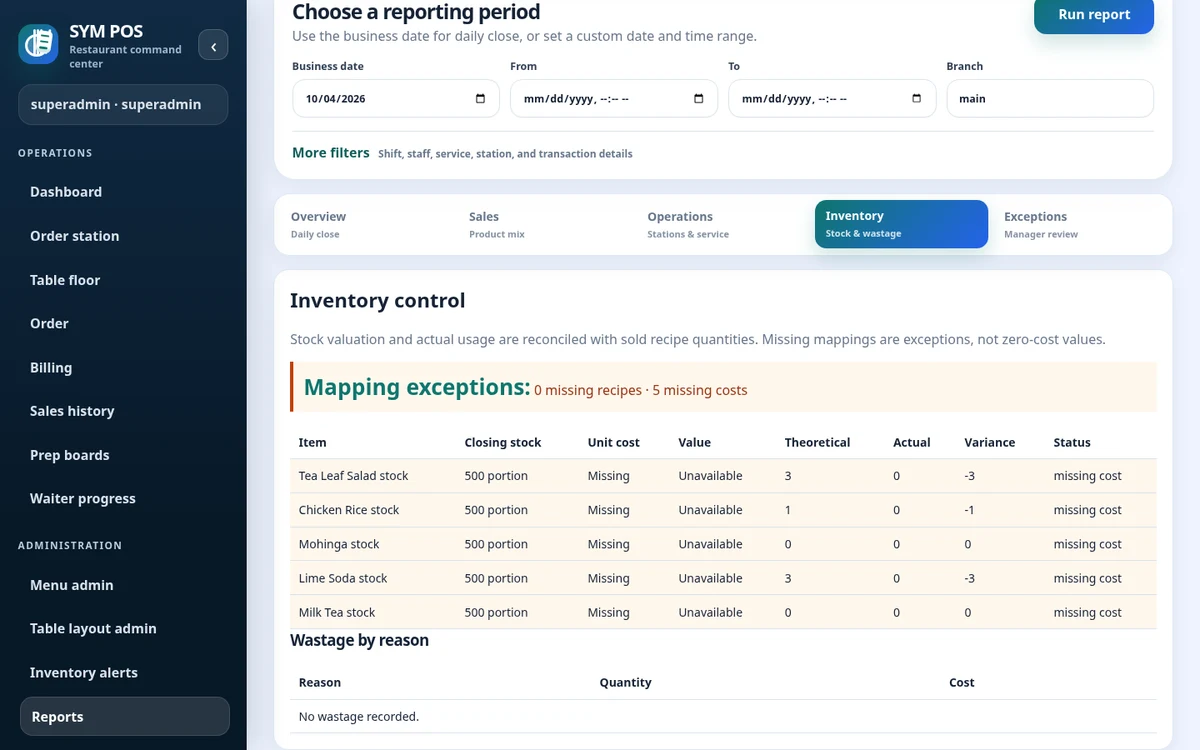
Review usage in context
Bring stock questions into the management review. Recorded usage and the configured mappings provide context for investigation; consistent setup is essential to interpreting the results.
Review changes against recorded restaurant activity
Keep inventory units and menu mappings consistent
Use reports as evidence for follow-up, not automatic forecasts
SYM POS · Product preview
Actual SYM POS screen · Sample evaluation dataOpen full-size
Try the workflow with your own setup in mind.
Explore the source and product guide, then evaluate with sample data before planning production use. If you need help with installation, configuration or a custom workflow, contact us with your restaurant and device requirements.
A restaurant platform you can explore, run and help improve.
SYM POS is an open-source restaurant operations project. Explore the implementation, follow its development and use the documentation to evaluate a local installation. If it’s useful to you, give the project a star on GitHub.