Core restaurant workflows can keep running without continuous public Internet access, as long as your devices reach the local SYM POS server and PostgreSQL database.
Local SYM POS serverNode.js application + PostgreSQL
Core workflows stay on your LAN
Optional cloud connectionCurrent bidirectional scope: menu data
OPTIONAL
01 — THE LOCAL-FIRST DIFFERENCE
A connection that stays close to service
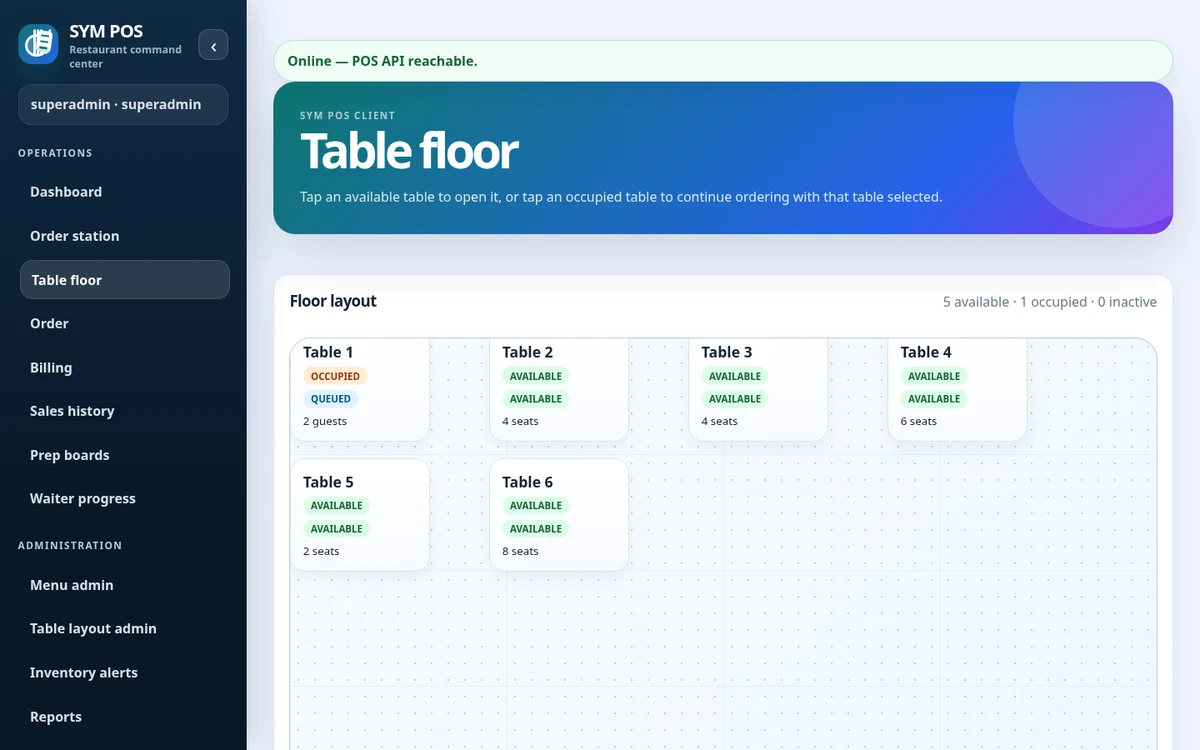
Terminals use a browser to connect over your restaurant’s Ethernet or Wi-Fi network. Orders, preparation updates, billing and inventory use the local server. A public Internet outage does not need to interrupt those requests.
The local server is the shared application, not a cache on each terminal. Keep it at a stable address so supported browsers can use the same application and operational records.
Cashier and waiter browsers use the restaurant LAN
Kitchen and bar displays reach the same server
Manager workspaces share authoritative local data
SYM POS · Product preview
Actual SYM POS screen · Sample evaluation dataOpen full-size
02 — THE LOCAL-FIRST DIFFERENCE
Persistent storage for real operations
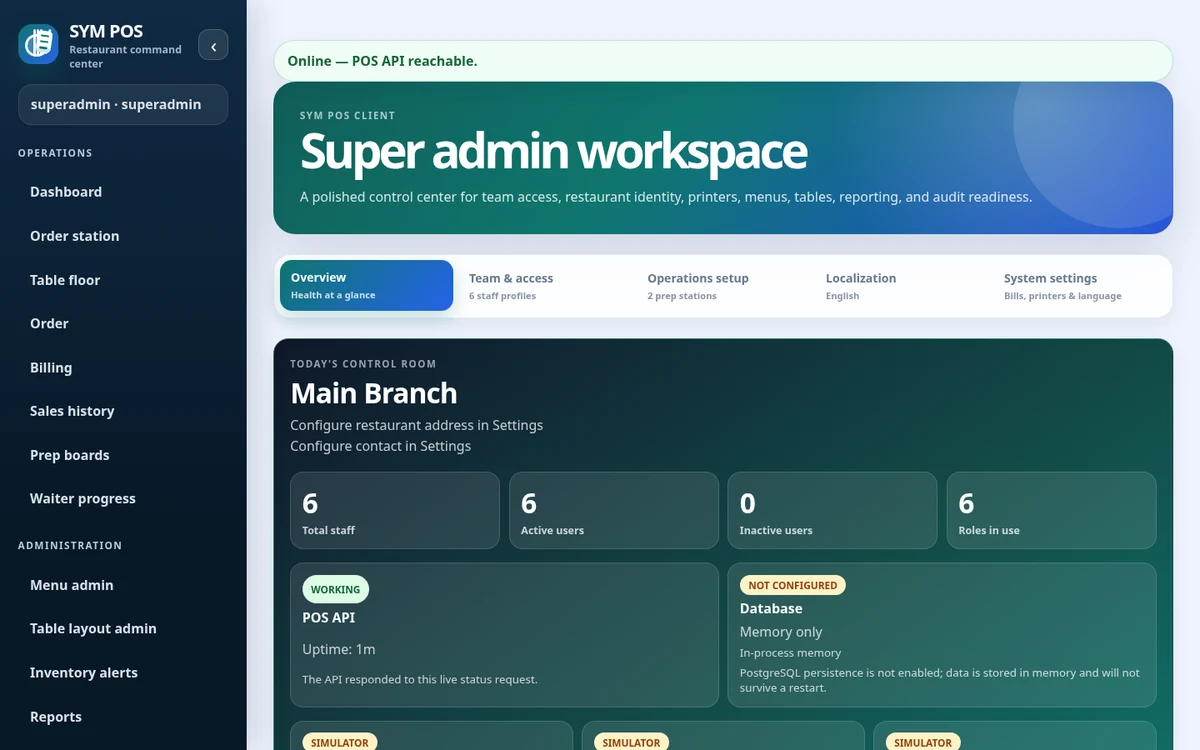
Use PostgreSQL for durable restaurant data. In-memory evaluation mode is temporary and loses data when the application stops. Plan database backups, tested restores and sufficient storage before opening for service.
Plan production storage before inviting your team to use the system. Choose a PostgreSQL installation you can maintain, schedule backups and practice a restore so your recovery process is understood.
Use in-memory mode only for disposable evaluation
Keep database access restricted to trusted services
Verify backup and restore procedures
SYM POS · Product preview
Actual SYM POS screen · Sample evaluation dataOpen full-size
03 — THE LOCAL-FIRST DIFFERENCE
What happens during an Internet outage?
If the restaurant LAN, server and database remain available, local ordering, kitchen/bar queues, payment recording and receipts can continue. Optional cloud synchronization waits for connectivity. A terminal disconnected from the LAN cannot submit orders independently.
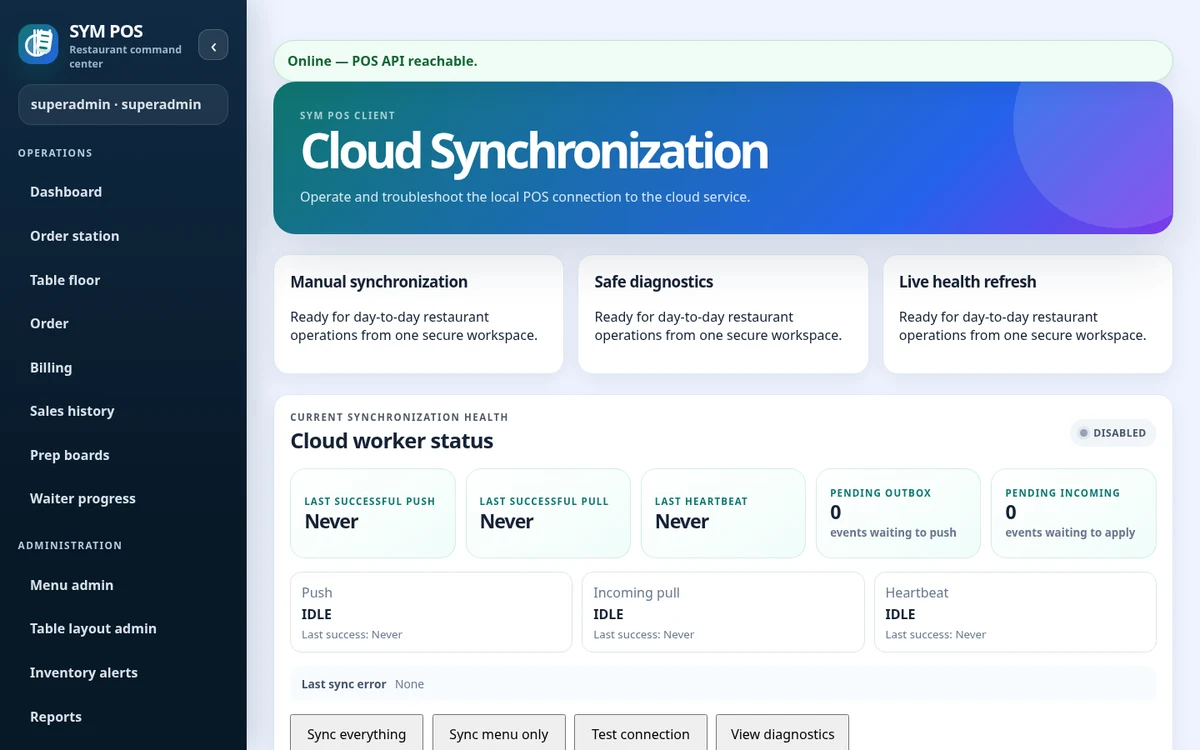
Cloud status and local operational status are different things. A delayed synchronization heartbeat describes the remote connection; it does not by itself mean the restaurant server is unavailable. If a browser loses its local server connection, restore that connection before attempting another write.
WAN outage: local work can continue when the LAN is healthy
LAN or server outage: terminals cannot submit local work
Cloud synchronization: resume when connectivity returns
SYM POS · Product preview
Actual SYM POS screen · Sample evaluation dataOpen full-size
04 — THE LOCAL-FIRST DIFFERENCE
Availability is an infrastructure responsibility
Keep the local server and network powered, use a stable server address and monitor database health. A UPS, secure firewall rules and backup procedures are practical parts of a deployment. Local-first does not make infrastructure immune to failure.
Before deployment, test your own devices together: take an order, update its preparation status, record a payment and print a receipt. Repeat with public Internet access unavailable while preserving local connectivity.
Give the server a stable LAN address
Keep server, database and network equipment powered
Test receipt output and your recovery plan
Try the workflow with your own setup in mind.
Explore the source and product guide, then evaluate with sample data before planning production use. If you need help with installation, configuration or a custom workflow, contact us with your restaurant and device requirements.
A restaurant platform you can explore, run and help improve.
SYM POS is an open-source restaurant operations project. Explore the implementation, follow its development and use the documentation to evaluate a local installation. If it’s useful to you, give the project a star on GitHub.